Hi,
I've noticed that 'column style' under the Format tab inside a planning sheet, does not contain the option to change the style of inserted columns. Will this option be available in the future?
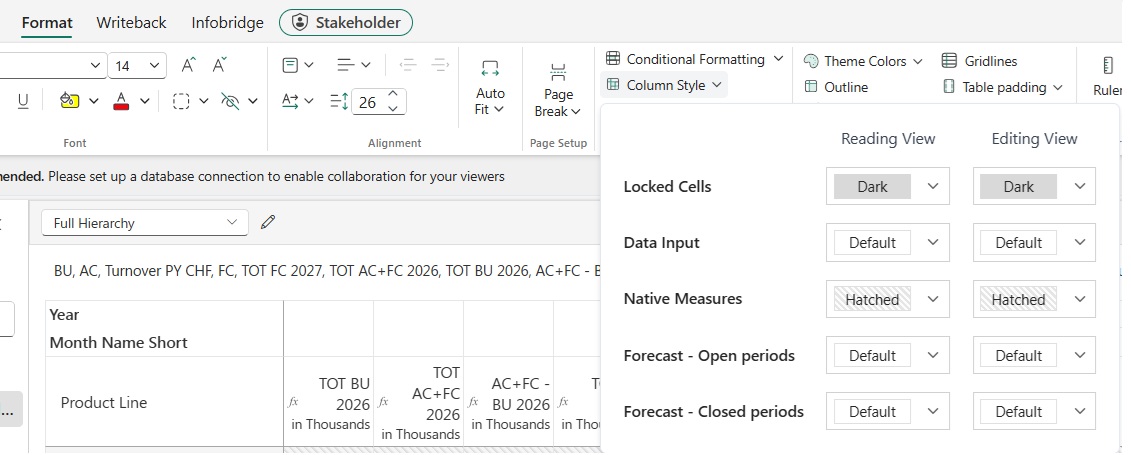
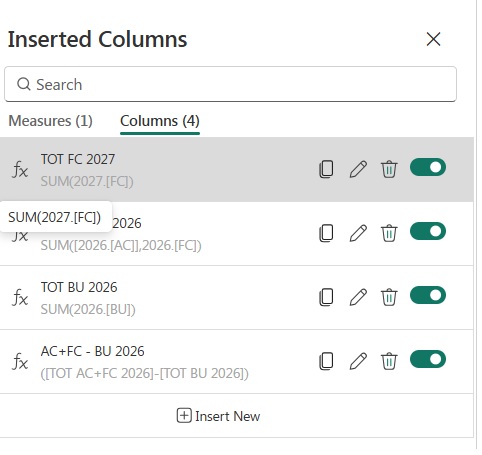
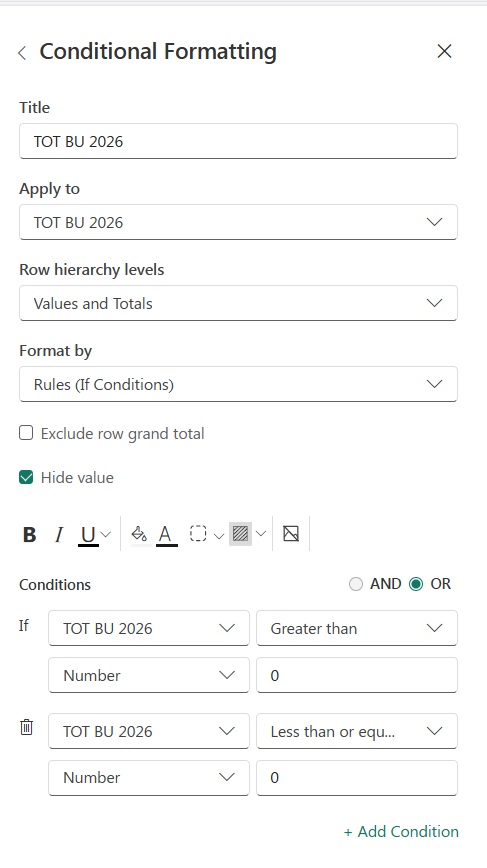
I.e., if i want to apply a hatched layout to TOT BU 2026 (to indicate that it cannot be changed), I cannot use the column style option. My current workaround is to use conditional formatting:
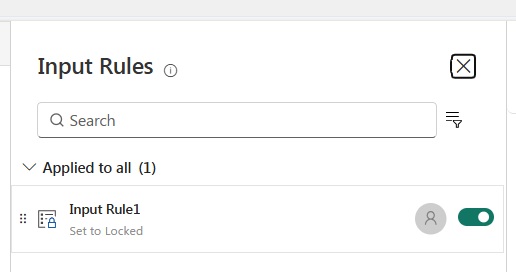
Another workaround is to create a locking rule on all visual columns, apply it and then change the column style of the locked columns (but this an unnecessary step since these cannot be changed anyway as they are derived from a formula).
If I am missing something let me know. Thanks.
1 Reply
Viewing 1 replies (of 1 total)
Join the conversation
You must be logged in to reply to this topic.