Planning · Season 1
The end-to-end first run. Stand up a Plan work item, point it at a semantic model, and build a Planning app people can actually type into, measures, notes, comments, formatting and roll-ups included.
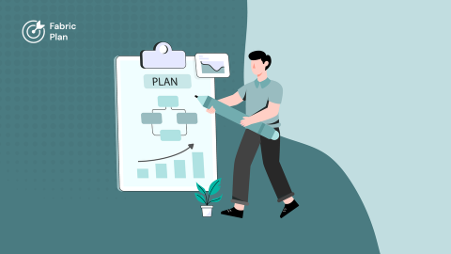
Episode 1
Every planning app in Microsoft Fabric lives inside a Plan work item, and this episode creates your first one. Before you can, two switches have to be on: Fabric IQ enabled for your tenant, and the Plan work item itself enabled by your tenant admin.…

Episode 2
A Plan work item is empty until you point it at data, and in Microsoft Fabric that means connecting your semantic model through a DMTS connection. This episode covers both routes: picking a DMTS connection that already exists in your workspace, or creating one from…
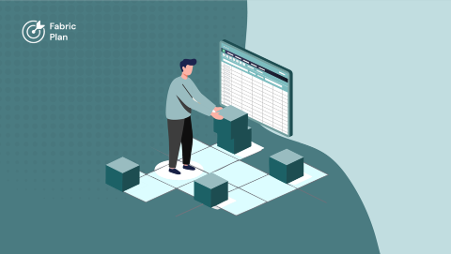
Episode 3
Time to build the planning app itself - the sheet your planners will work in. Starting from a blank canvas, this episode walks through the Data pane, the Fields pane and the Fabric SQL database connection that makes the app collaborative. Then the build: six…
Planning · Season 2
Intelligence
PowerTable


