Sign in to watch this episode

Episodes are free for Fabric Planning Community members.

or
 · 
 · Episode 9
1:26 min

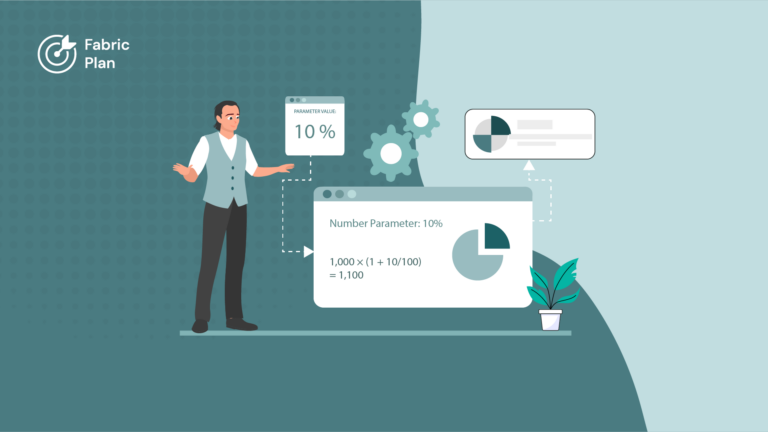
Users should not have to open the Parameters pane to see the discount being applied. This short episode adds a formula column called Rate of Discount that simply references the discount parameter. We set its aggregation for a percentage value, switch on percentage scaling from the Planning tab, and check that the column follows the slider in the Parameters pane.


Part of Planning · Season 2

Mastering Measures

View all 10 episodes
Microsoft, Azure, Copilot, Excel, Fabric IQ, Microsoft Entra, Microsoft Fabric, Microsoft Teams, OneLake, Outlook, Power Automate, Power BI and SharePoint are trademarks of the Microsoft group of companies. IBCS is a registered trademark of IBCS Association. All other trademarks are the property of their respective owners.

This community is operated independently by Lumel. Nothing on this site constitutes a representation or warranty by Microsoft.