

Kindly follow the steps and share the HAR file
- Right-click in the browser window(next to the highlighted arrow) or tab and select Inspect. Alternatively, you can press Ctrl + Shift + I on your keyboard to open the Pop up.
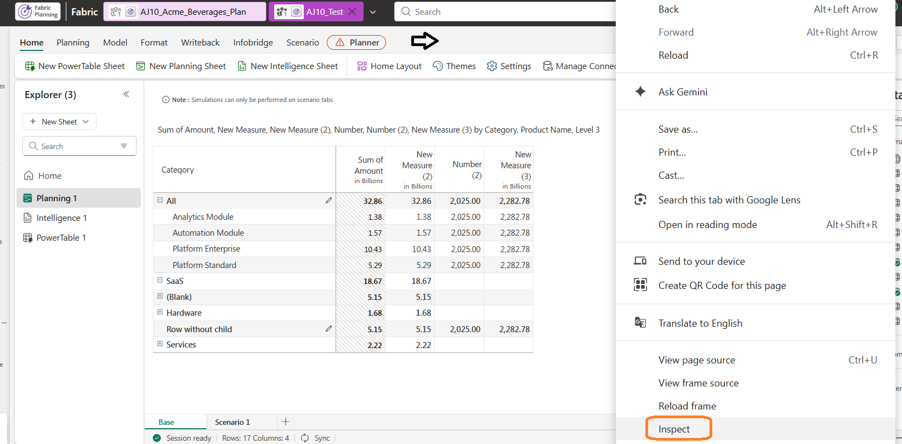
- Click the Network tab in the panel that appears.
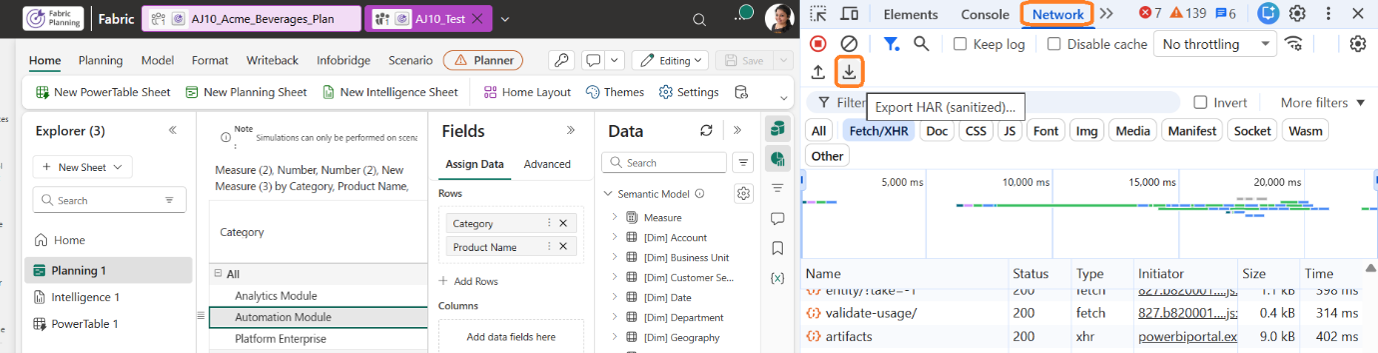
- Reload the page and do the steps to replicate the behaviour.
- Click the download button
 (Export HAR appears when you hold the pointer over it.)
- Name the file.
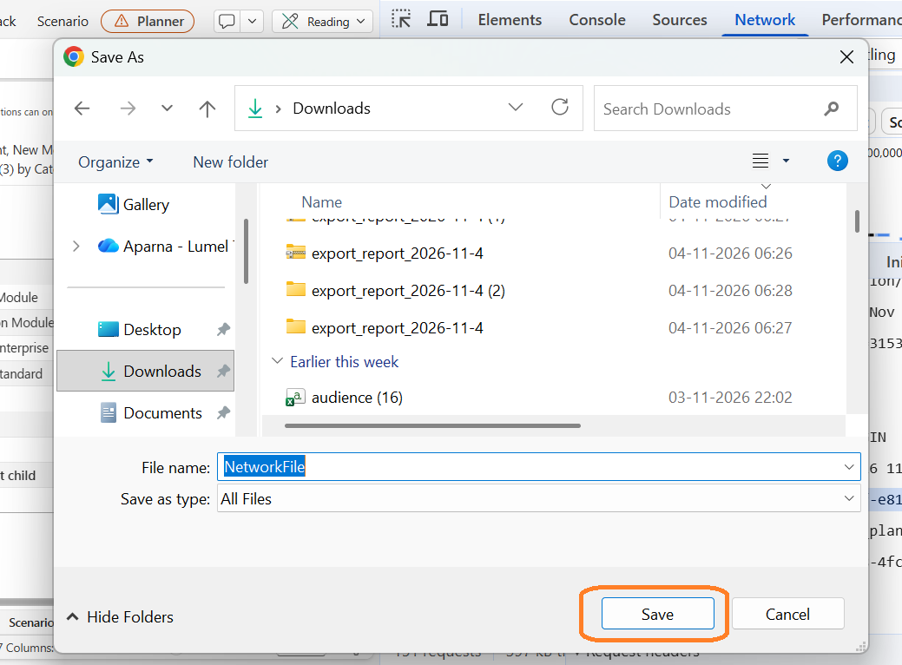
- Click Save.
- Share the file with us for further investigation.
Join the conversation
You must be logged in to reply to this topic.

