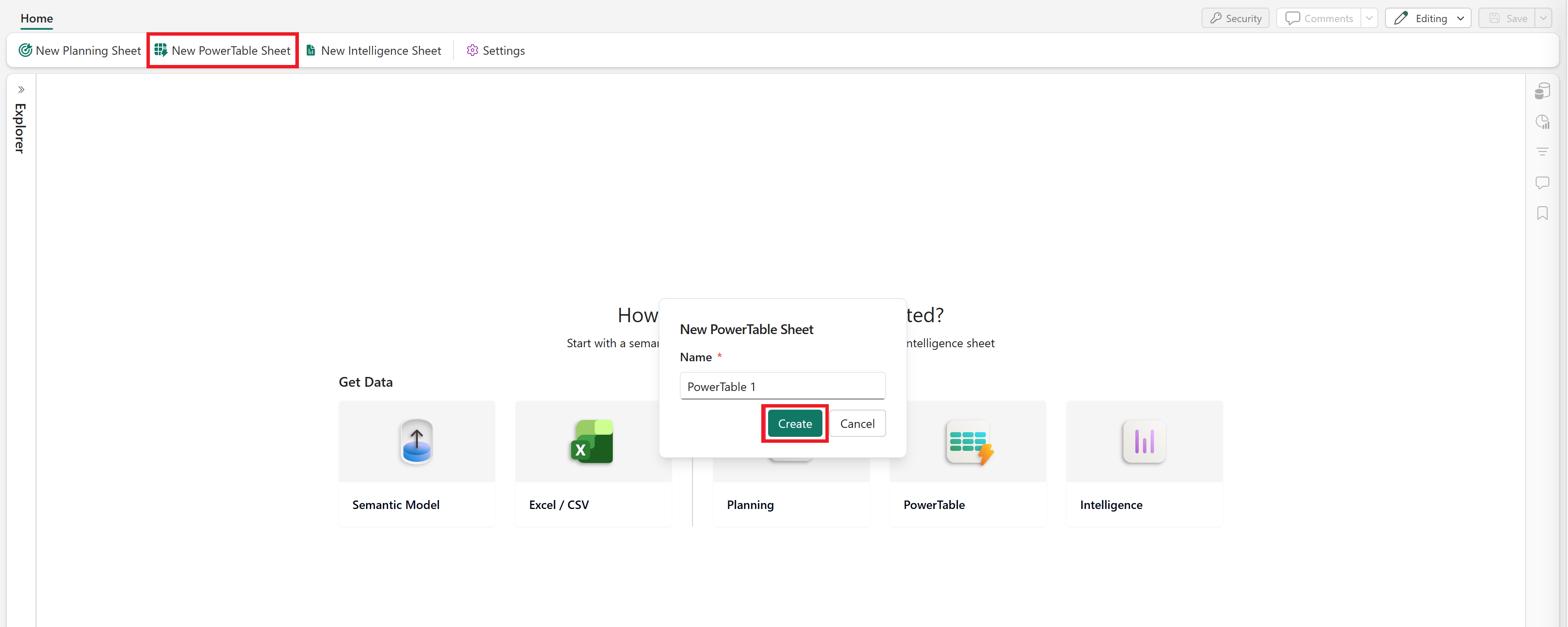
In your Plan, select New PowerTable Sheet or select the PowerTable icon on the landing page. Enter a name for the sheet and select Create.
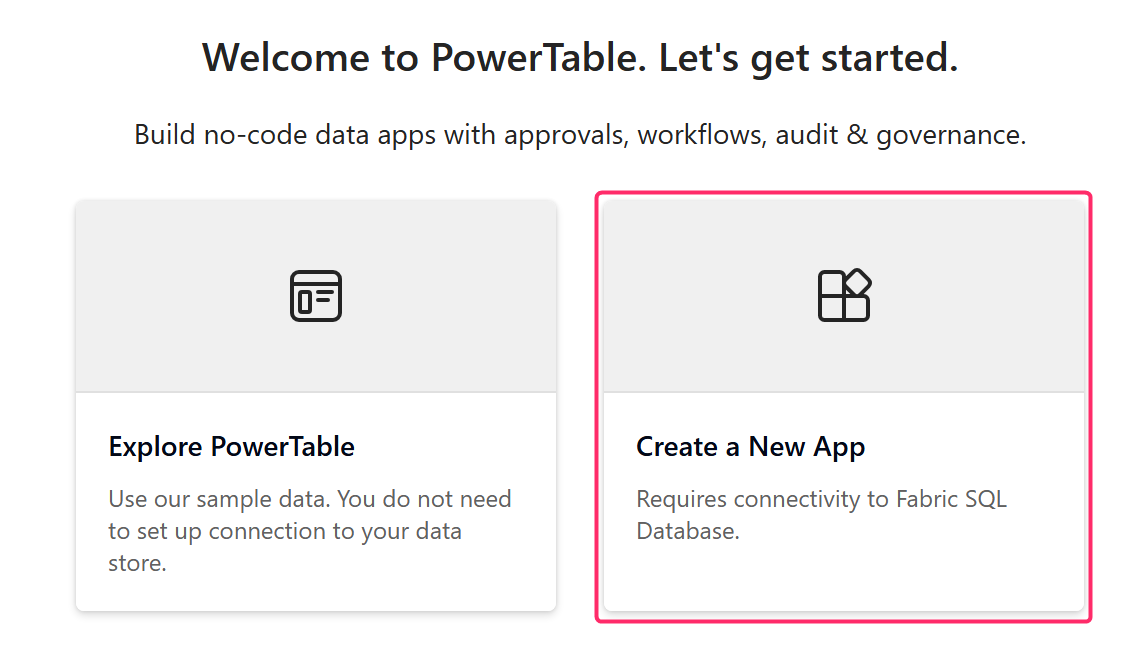
Select Create a New App to create your app. You can also select Explore PowerTable to experience a sample PowerTable app.
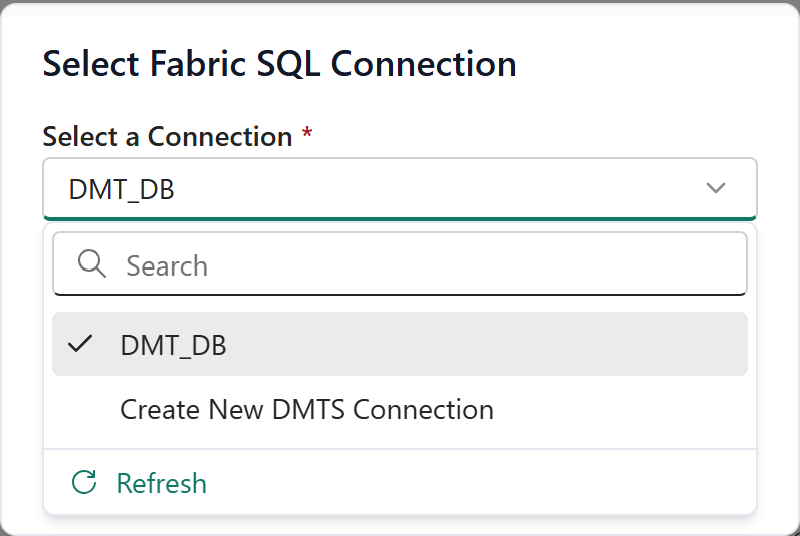
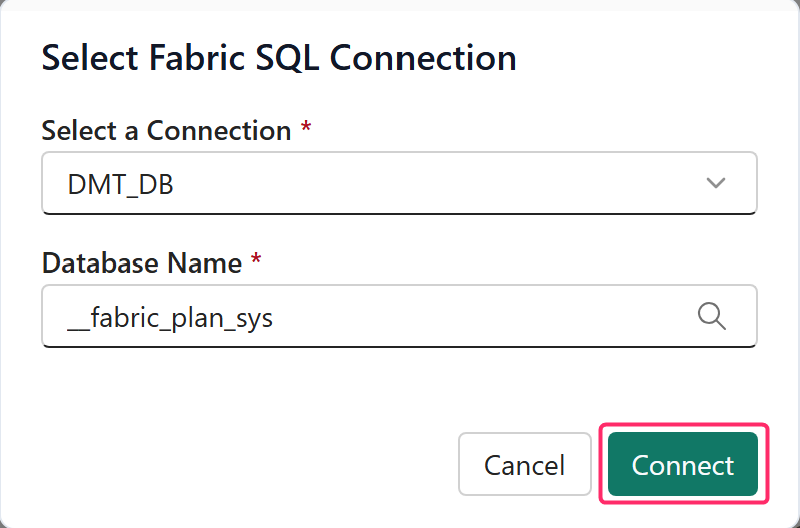
Select a Connection: Choose a Fabric SQL connection. You can also create a new connection if required.
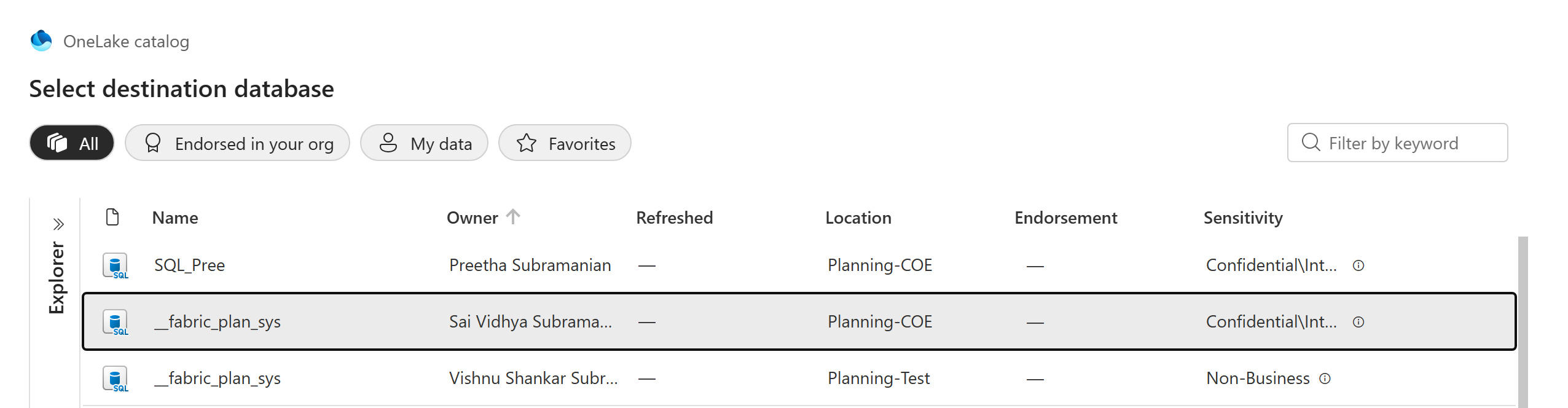
Database Name: Select the Fabric SQL database to store the app metadata. Select Add.
When a new Plan item is created in a workspace, a Fabric SQL database is automatically created for that workspace. This database stores all the plan app metadata for workspace users. You can choose this database.
Select Connect after choosing the connection and the database.