Fabric Plan provides an Excel-like formula engine with more than 100 formulas and functions, including logical, conditional, mathematical, text, date, lookup, and statistical functions.
Add formula measures or columns to your planning sheet to perform calculations without writing complex code. After you add a formula measure, configure the formula in the Formula Editor in the side panel. As you enter the formula, the editor provides auto-suggestions and auto-complete features. It also displays syntax and examples to help you create and troubleshoot formulas.
You can also use Ctrl + Space to open the suggestions.
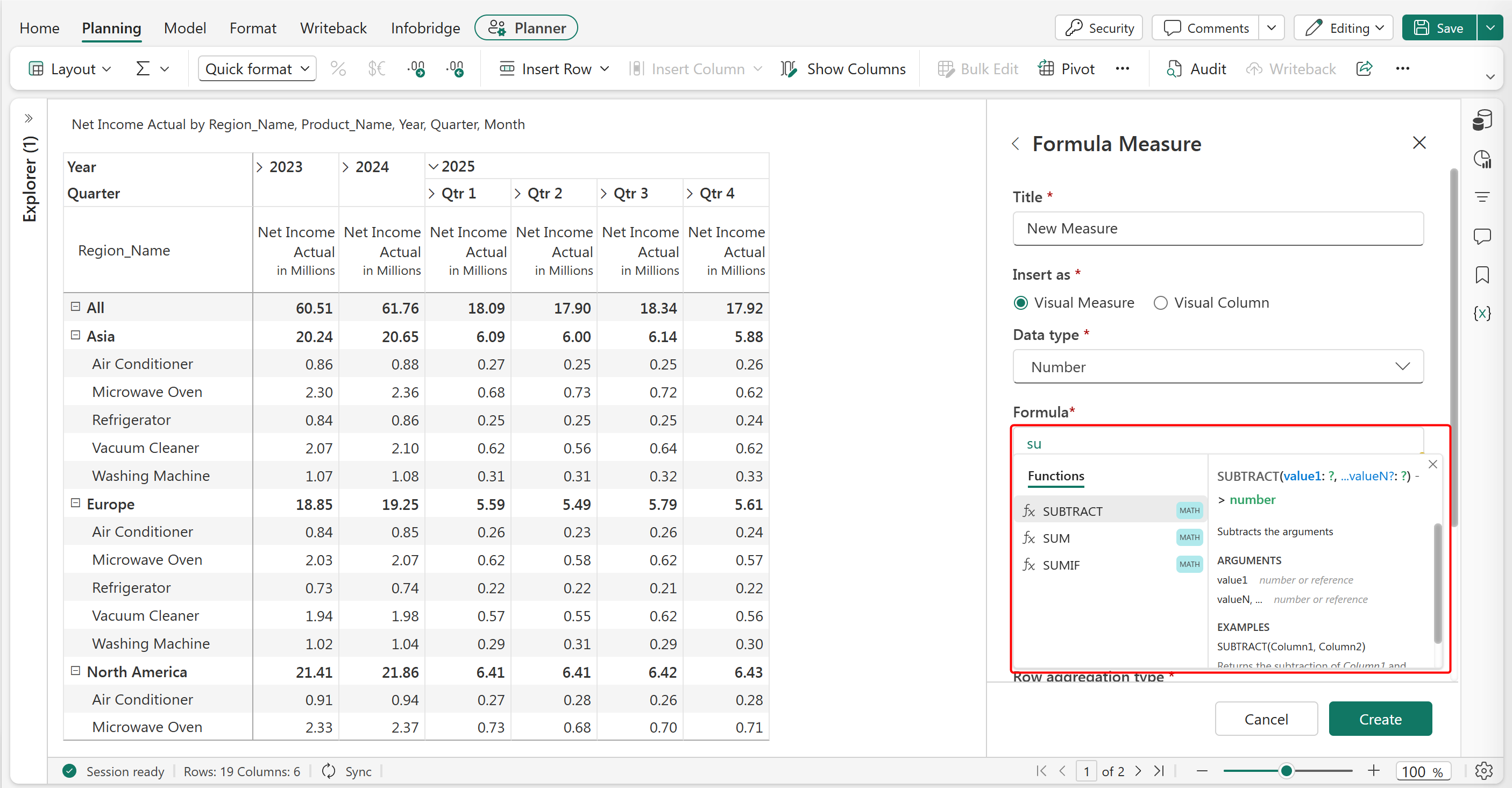
For information about adding a formula column, configuring formulas, and resolving calculation errors, see Insert formula column.
The following sections list the supported formulas, operators, and identifiers, with syntax and examples:
PowerTable also supports formulas in formula columns and for derived default values. The syntax and behavior of formulas are consistent across Fabric Plan planning sheets and PowerTable.
PowerTable supports a subset of the formulas available in planning sheets. For more information, see Formulas and functions in PowerTable.


