Calculates the standard normal distribution probability for a specific value to analyze data variability on a standardized scale.
The NORMSDIST function returns the standard normal distribution for a given value. It is a specific case of the normal distribution where the mean is 0 and the standard deviation is 1. It is used to determine the probability that a random variable falls at or below a specific point on the standard normal curve.
NORMSDIST(value, cumulative)
The NORMSDIST function syntax has the following required arguments:
NORMSDIST(1, true)
// Returns 0.8413
You can use the NORMSDIST function to analyze standardized data and determine the percentile or probability of a specific outcome occurring within a standard bell curve.
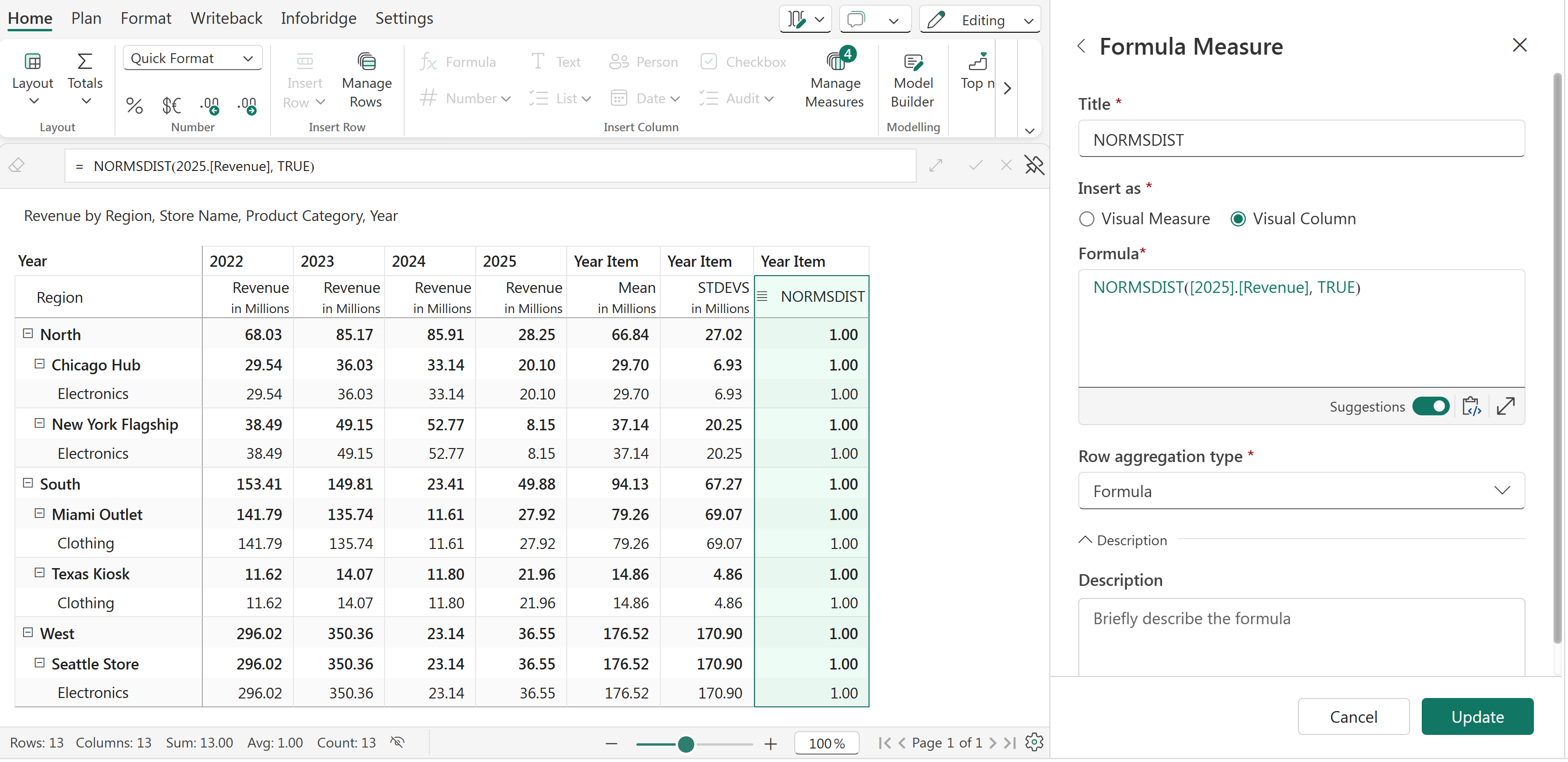
NORMSDIST function
Q1. What is the difference between the cumulative distribution function (CDF) and the probability density function (PDF)?


